Need help setting up your Do250 profile? Never got around to editing it and now don't know how? No worries. We got you.
Step 1
From the top of the page, click the blue REGISTER button (or, if you're already a user, click the pink SIGN IN button).

Step 2
registering
You can register with Facebook, or fill in the form.
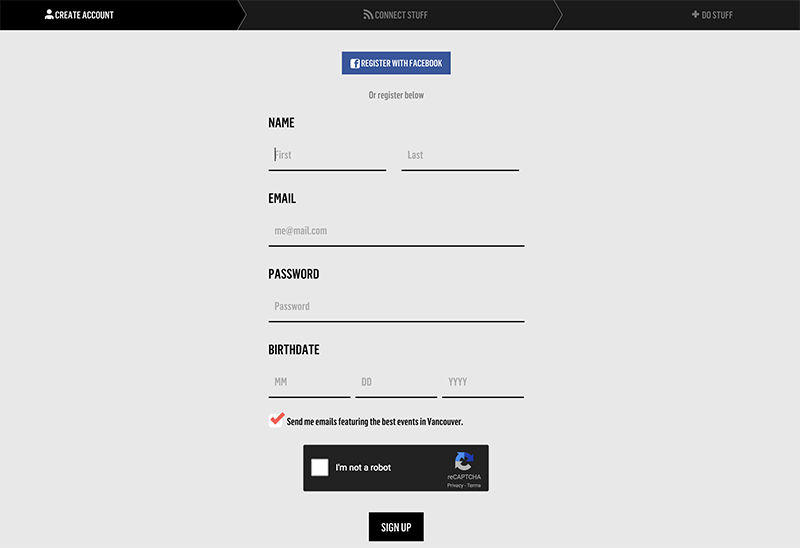
Keep "Send me emails" checked to receive our newsletter (kickass ticket giveaways, show announcements, the best upcoming shows...)
Click the "I'm not a robot" box, then click SIGN UP.
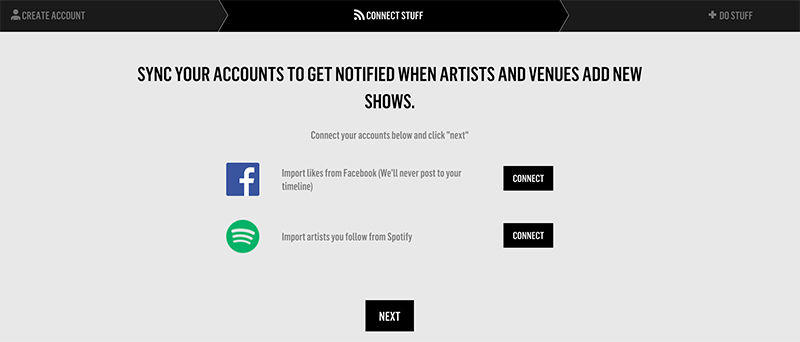
Connect to your Facebook and Spotify accounts to be notified when bands you like are coming to Victoria.
You'll be encouraged to "Add" events to your new profile. This gets you in the habit of clicking "ADD" on events you like, which builds your personal calendar of events.

Either "Add" the suggested events or scroll down to the SEE EVERYTHING button. Click it to get to the Do250 homepage.
Step 3
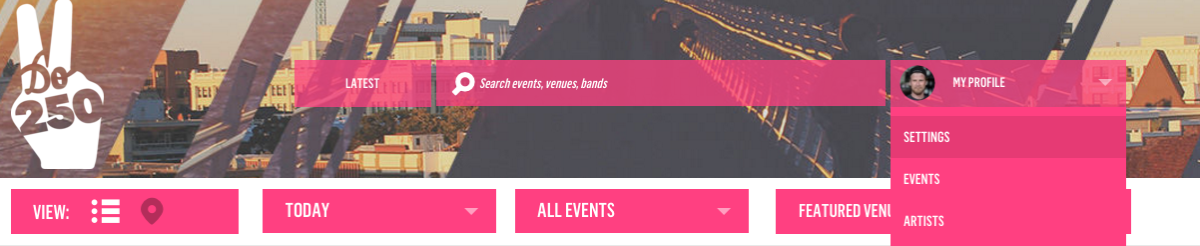
From the top of the page, go to MY PROFILE and click SETTINGS.
Step 4
Finish your profile.
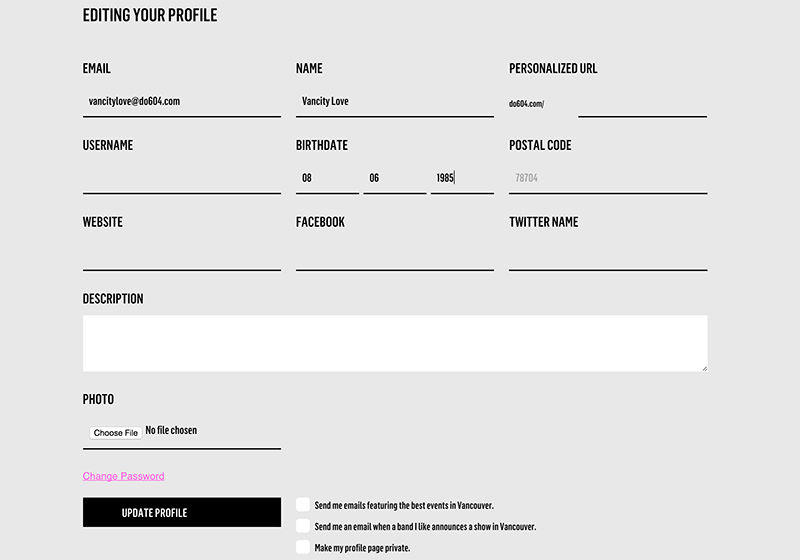
You can choose a personalized url and username, enter your social media accounts, and upload a profile photo. The ideal photo size is 1200x450px.
This is also where you can change your password and choose whether to receive emails and band announcements.
admire your Do250 profile & add events
Your profile is complete.
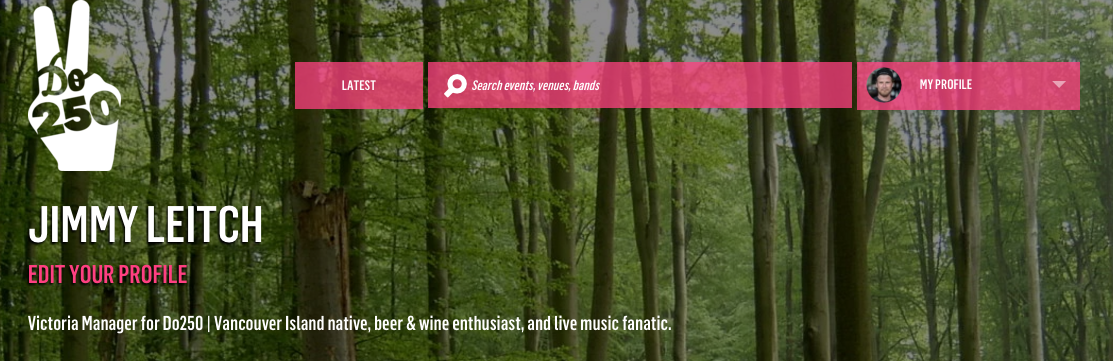
Now when you're on the Do250 desktop or app and see an event you like, click ADD (yes, there are also WIN buttons, as we often have ticket giveaways)...
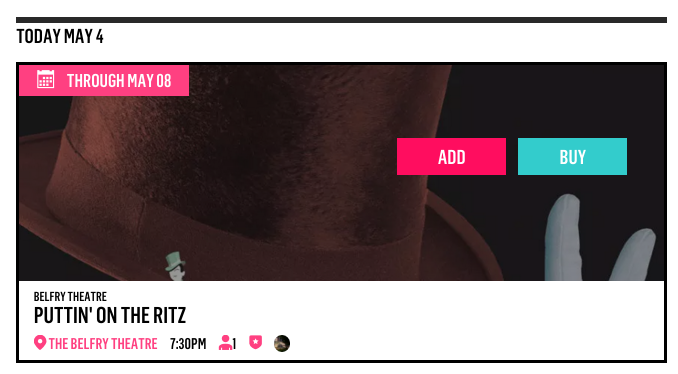
... and the event will save to your profile.
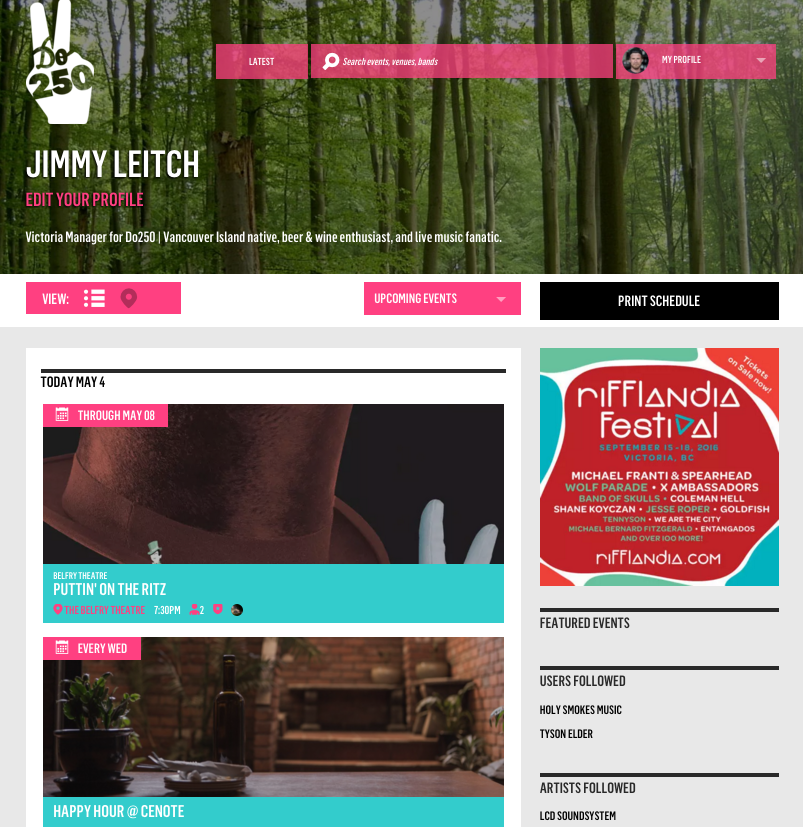
As you'll see on the column on the right, you can also follow other users, artists, and venues. When you see another user whose event choices you dig, or artists and venues you like, click "FOLLOW."
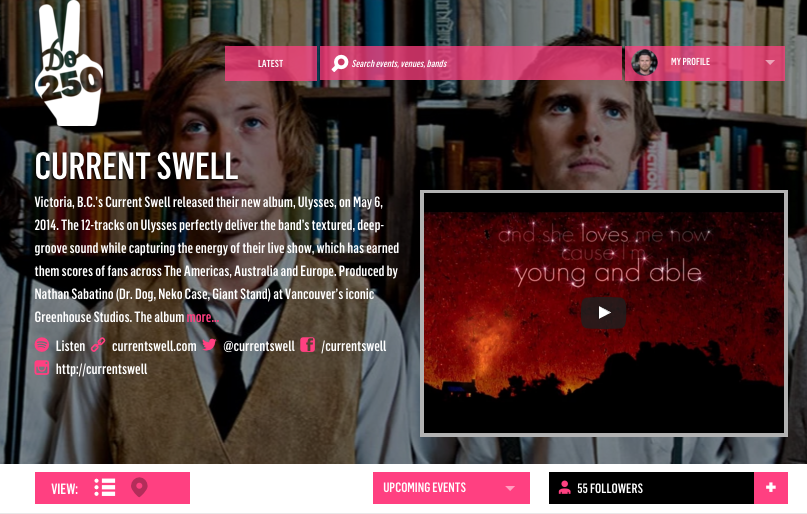
Note: When you follow an artist, not only will you be notified about their shows, you'll help bump their events up in the listings.
Want to create your own events? Check out our Creating Events how-to.
Do250 is your guide to awesome stuff in Victoria.
DOWNLOAD THE FREE APP FOR IOS & ANDROID AT APP.Do250.com
#IntheKnow250