You're an ACE. Have an event coming up and want to add it to Do250? Cool!
First: check our site; your event could already be listed.
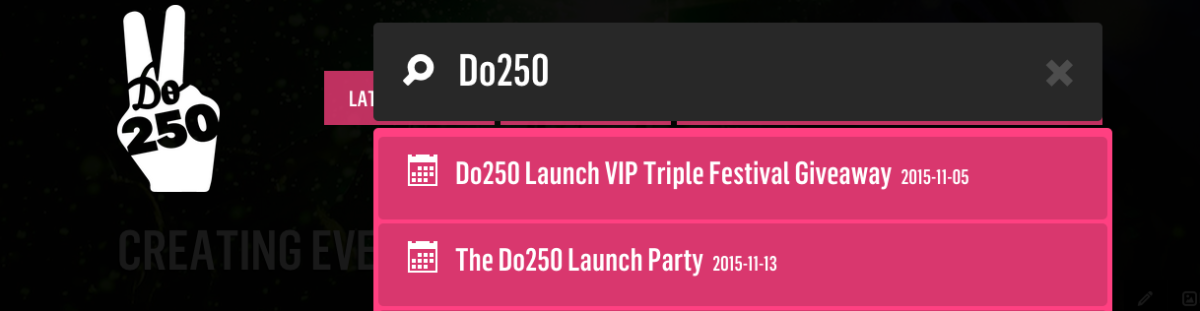
If it isn't, then follow these steps...
STEP 1
To be able to create new events, you need a Do250 profile. If you need one, follow our easy "Setting Up Your Profile" page.
STEP 2
Once you've set up your profile, email us at [email protected]
Subject: Need to create events on Do250
Text: Hi Do250, my name is [your name]. Please give me permissions to create events. Thanks!
Note: we ask for you to email us to prove you're a real human, and not a bot wanting to fill our site with unnecessary events. Getting event creating permissions is a one-time thing; once you're approved, you can add go right ahead and add more events at any time.
STEP 3
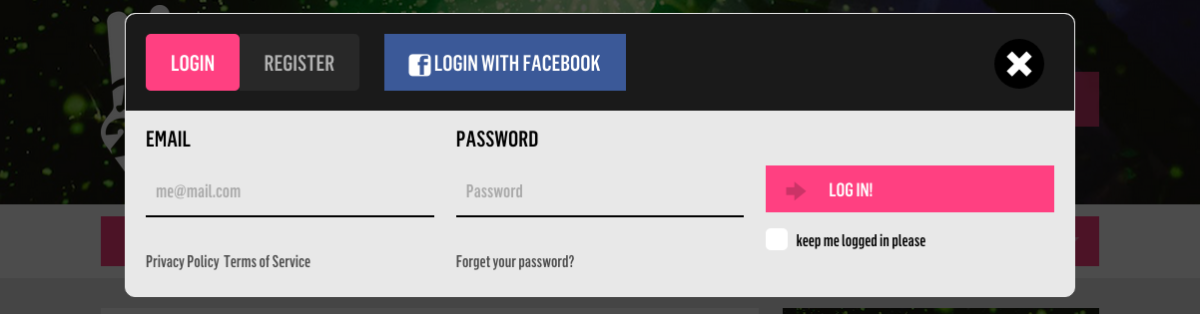
Once we've given your profile event creation permissions, we'll email you. When you've got the "OK" from us, login.
STEP 4
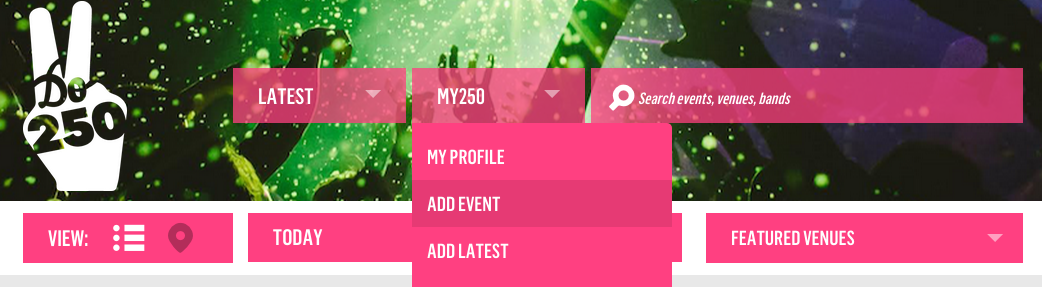
Select "Add Event."
STEP 5
Now comes the fun part! Fill in the event fields.
PRESENTED BY & TITLE
"Presented by" can be skipped unless you are the promoter of this new event.

VENUE & BANDS/ARTISTS
We've built a giant database of venues and bands/artists. Start typing, and what you need should appear. If not, go ahead and click "add a new venue" or "add a new artist."

DATE & TIME
Click "Begin date" and a calendar will appear. Choose your event's date.
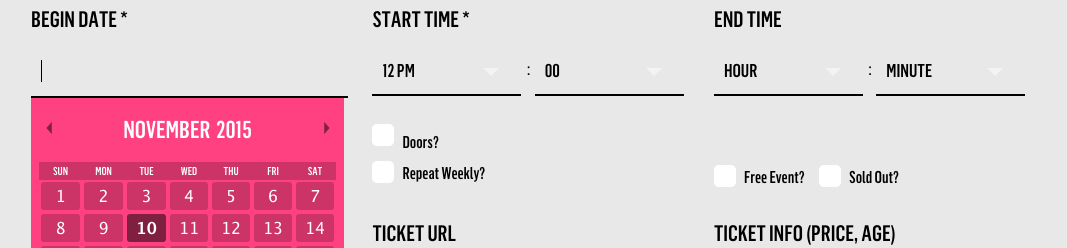
If your event ends on a different date (very handy for art exhibitions or theatre performances), select "Different end date" and an additional calendar will appear.
Start time is required, end time is not (especially if it ends after midnight, this causes the event to appear like a 2-day event).
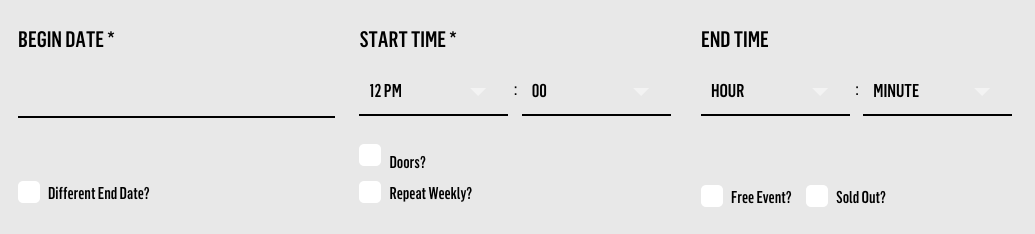
"Doors" can be ignored.
If the event you're creating repeats every week, choose "Repeat weekly." A dropdown will appear asking you "Until when?" Even if you don't forsee an end date, choose one about 6 months in advance. This is our way of catching a repeating event that does eventually end so we don't continue to list it. FYI: if the end date approaches, our system gives a warning; once we confirm that the event is indeed still active, we reset its end date for another 6 months in advance. Cool, hey?
If your event is free, check the box!
If your event sells out in advance, check the box!
CATEGORY & TICKETS
Choose the category most appropriate for your event.
If you're selling tickets in advance, add your ticket url.
"Ticket info:" You can say "19+" or "all ages" or "$20" or "free" or nothing at all here. It's up to you.
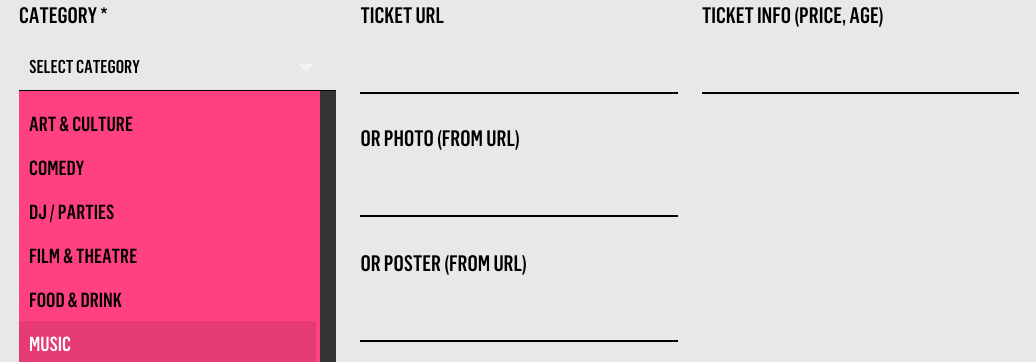
PHOTO & POSTER
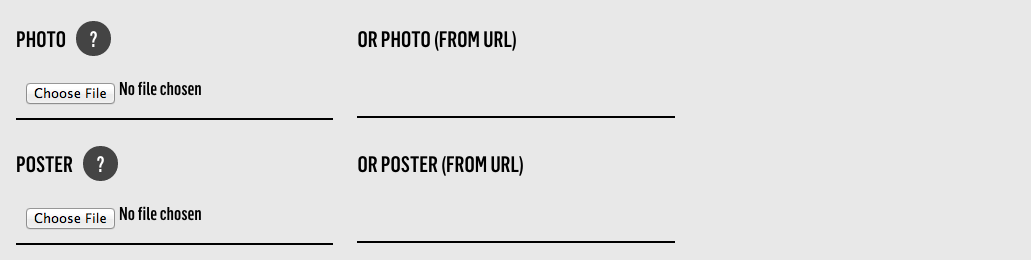
Choose between uploading a photo or pasting the url of a photo already online. Your image will look best if you choose to upload a photo sized 1200x450, 72ppi
Poster is not necessary. But if you have a poster created, you can choose to upload it or link to the url if it already exists online. The poster will appear in the description area of your event (which we're just about to tackle!)
PROMOTION
If you're interested in talking to us about promoting your event, check the box!

ADD IT
Click "Add it." Your event is now live on Do250.com
STEP 6
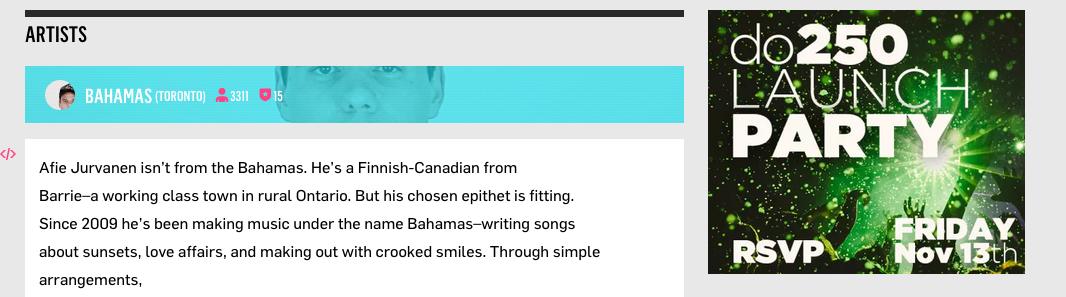
The last step is to add an event description. Scroll down from the title, past the artists, and you'll see the "This event needs a description" section.
Add as much or as little event description as you want, then click the black "Save" button (just above the artists), and you're totally, completely done. Your event listing is ready!
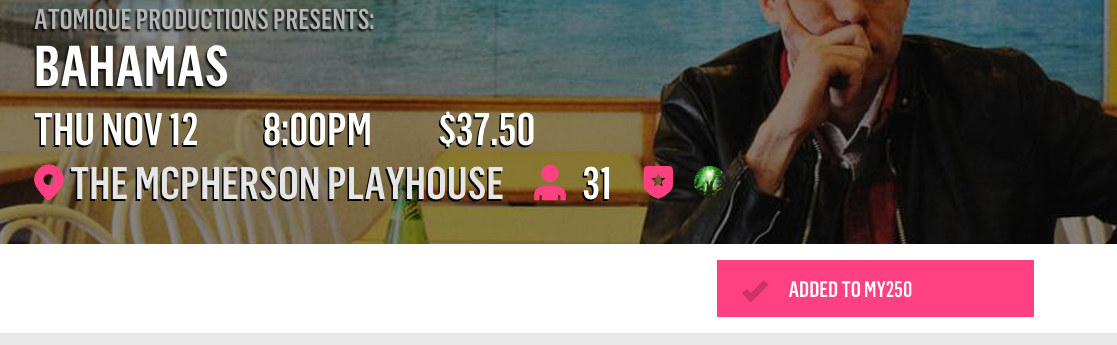
Click "Add to My250" to add your event to your profile. Every "add" also bumps the event up our listings, so get your friends to add your event, too.
You can always make changes/updates to your event. Just click the grey "Edit" button (above "Add to My250").
Any questions? Contact Jimmy at [email protected]